
Investigate the whole workspace
Read entities, ownership, filings, payments, tax balances, CRA accounts, audits, and documents. Search documents and compare them with the recorded facts.
TaxDesk MCP connector
Connect Claude, ChatGPT, Codex, or Microsoft Copilot to TaxDesk. Your agent can read the live workspace and do most of what you do in the app, within your permissions.
Which filings need attention across the Holdco group this month?
Illustrative example · sample workspace data
Your choice of agent
Sign in to TaxDesk from the assistant your team already uses. Your workspace and permissions come with you.
 Claude
 ChatGPT
 Codex
Codex Microsoft Copilot
 Your TaxDesk workspaceConnected through MCP
From request to recorded change
Your agent checks the evidence, makes the change through TaxDesk, and confirms the result. TaxDesk logs the change so you can review or reverse it later.
We submitted Opco’s T2. Update TaxDesk.
What your agent can do
The connector gives your agent the same records and actions your TaxDesk account has. You can review everything it does in the app.
Read entities, ownership, filings, payments, tax balances, CRA accounts, audits, and documents. Search documents and compare them with the recorded facts.
Create entities and parties, add CRA program accounts so deadlines are generated, and record share classes, share transactions, and governance roles.
Update filing status, add filings, record payments and their outcomes, and link payments to the filings they cover.
Record tax attribute entries, dividends, loss pools and applications, and CCA/UCC balances, each with a dated history.
Open a review or audit case, list the requested items, set the response date, and link the supporting documents.
Add notes to entities and documents, and flag entities, documents, or filings for your team to review.
Connected to the source
Your agent reads current records, not a copy, and links back to the workspace. TaxDesk remains the place to check source documents and the history of every change.
Structured records
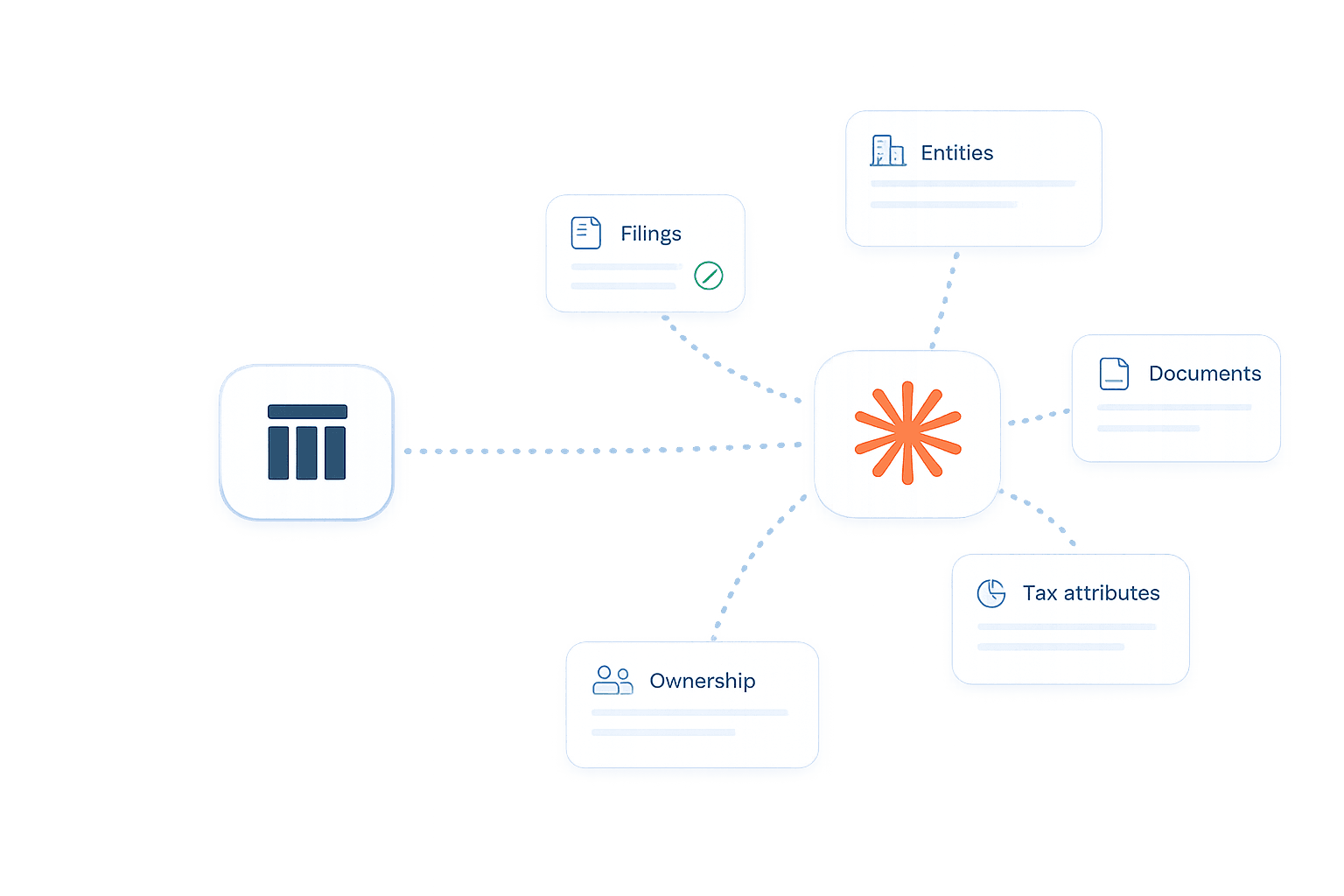
Entities, filings, documents, ownership, and tax balances arrive as connected records, so your agent can answer across the group instead of searching folders.
Canadian tax research
The connector can look up Canadian tax legislation and case law, so your agent can compare the rules with the facts in your workspace. Treat the results as research to verify, not advice.
Your permissions, your record
Your agent works under your TaxDesk account. TaxDesk records what it changed and keeps the previous version.
Bring your agent into the workflow
Connect your TaxDesk workspace to the assistant your team already uses, and keep a full history of every change.