
What the CRA letter means, and what to do next.
Each page explains one common CRA letter for businesses: what it is, what to check, the dates that matter, and what to keep. Every date and rule is taken from the Act or CRA’s own guidance, with the source listed.
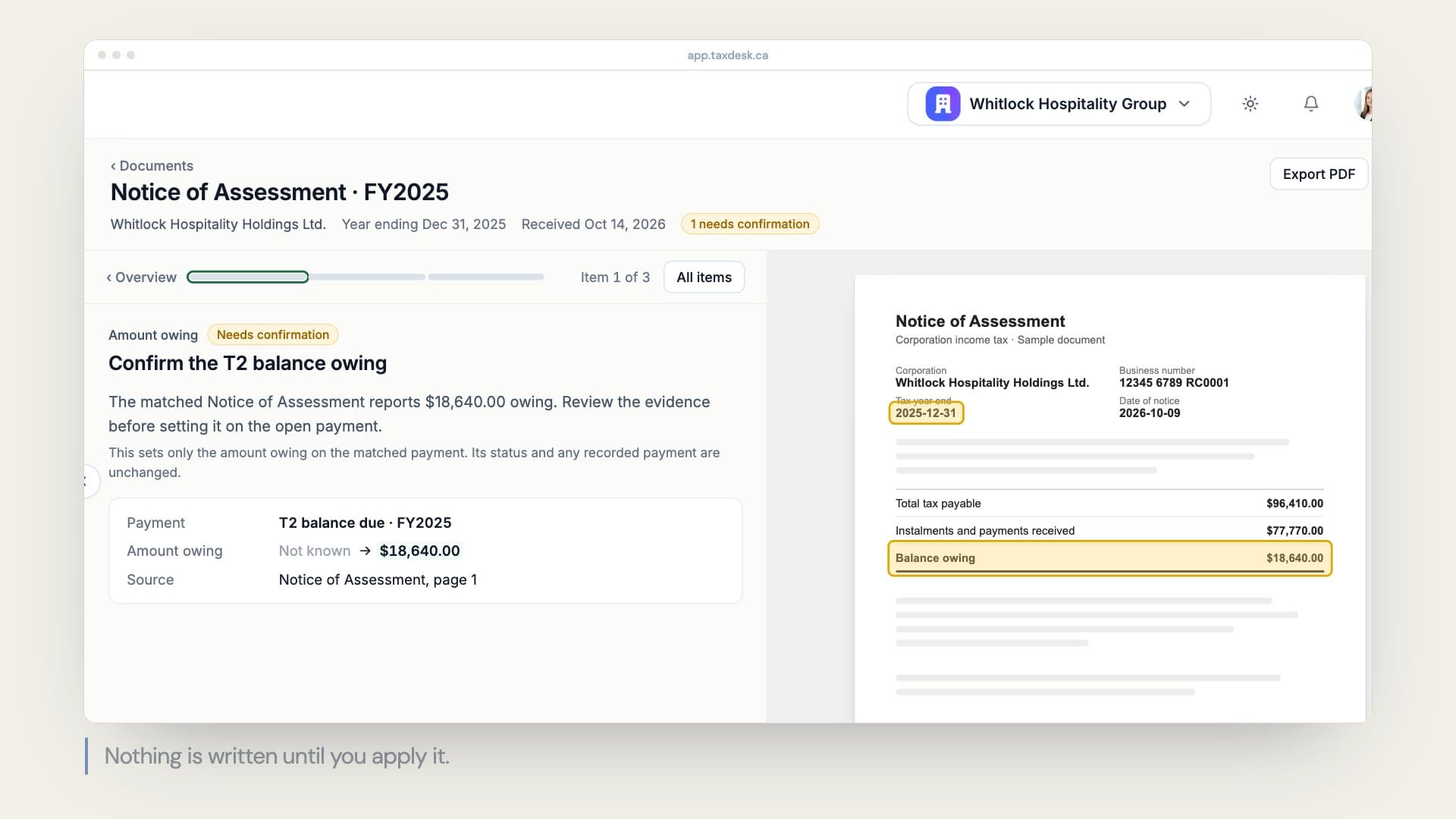 Watch a CRA notice go through TaxDesk, video, 0:21
Corporate income tax
- T2 notice of assessmentCRA’s summary of a corporation’s T2 return after it has examined it: the assessed amounts, any changes, and the balance owing or refund.
- T2 notice of reassessmentCRA’s updated summary of a corporation’s T2 return after it has changed the return following the original assessment.
GST/HST
Payroll
Audits and reviews
In TaxDesk
Upload the letter. TaxDesk files it where it belongs.
TaxDesk recognizes CRA notices, files each one to the right company and year, and keeps it beside the filings and audit matters it affects. Audit letters can be proposed as matters with their requested items.