
Your Canadian tax workspace, inside Claude.
Ask Claude about entities, filings, documents, ownership, and tax attributes with answers grounded in live TaxDesk data.
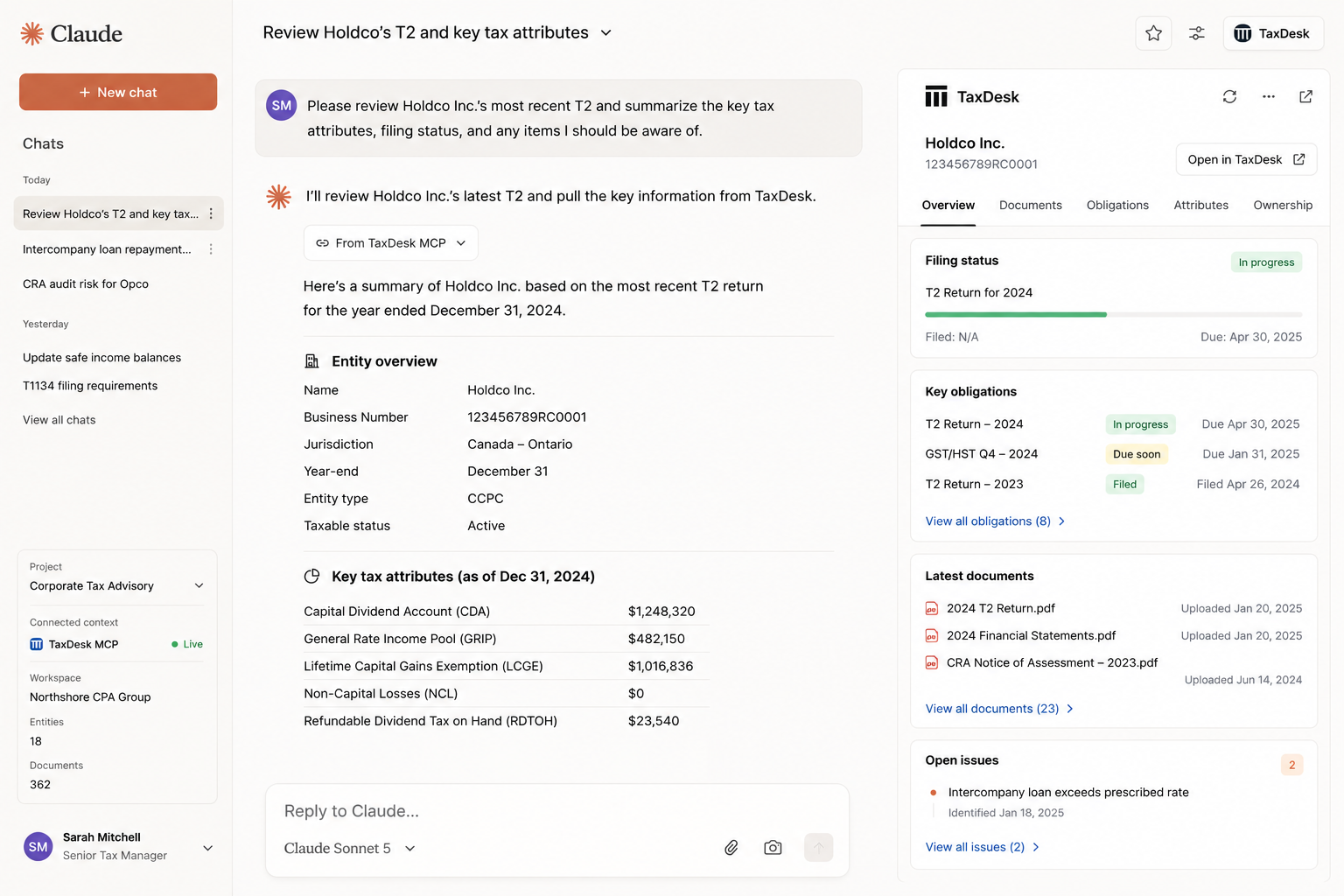
See it in Claude
A real TaxDesk review, answered inside a Claude chat.
What it does
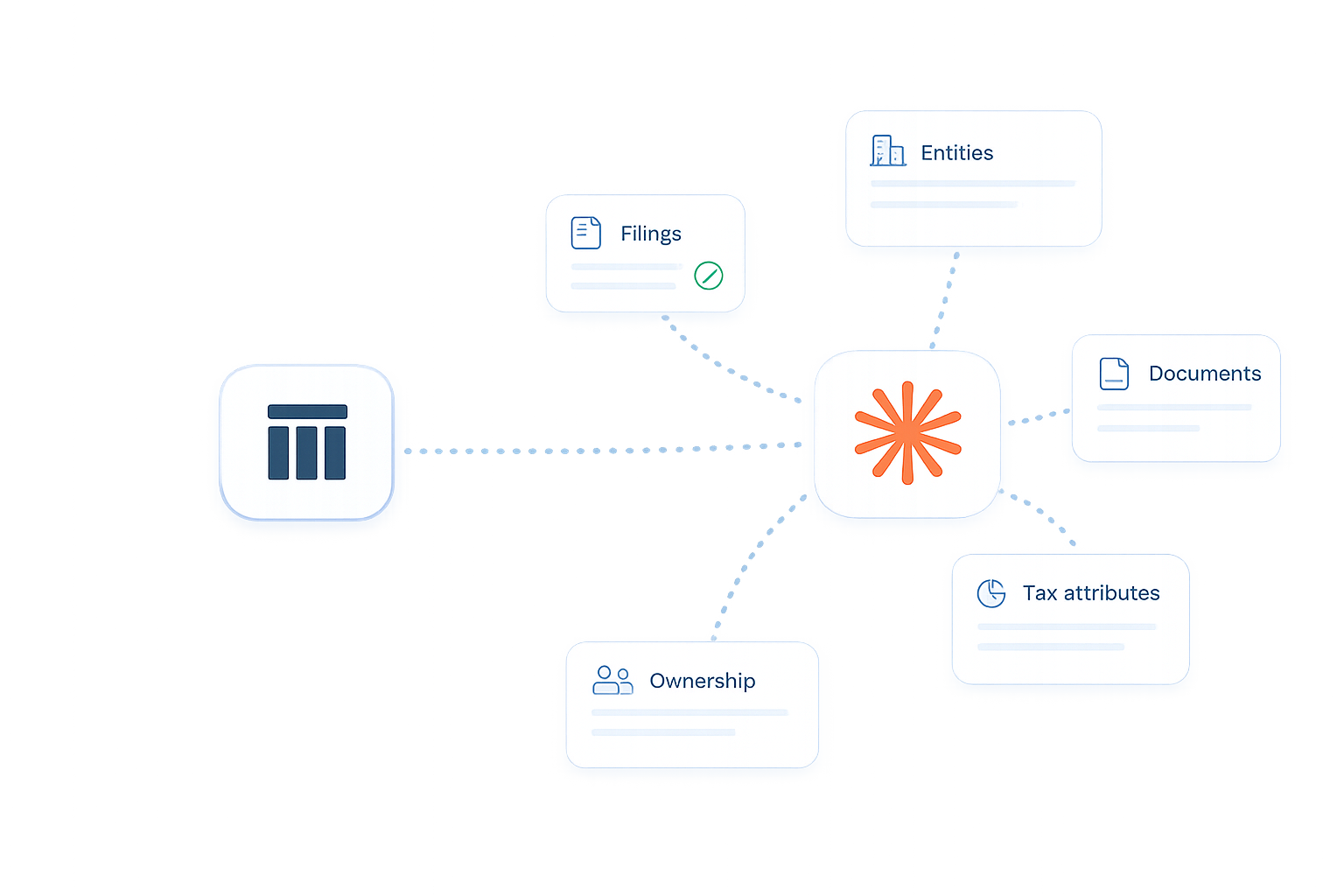
The bridge between TaxDesk Intelligence and the AI tool your team already uses.
Claude is powerful, but it needs current tax data. The TaxDesk MCP Connector gives Claude live, permission-aware access to the structured tax workspace your team maintains in TaxDesk.
Live TaxDesk data
Claude queries TaxDesk per prompt. New entities, obligations, documents, notes, and tax attributes are available once they are in TaxDesk.
Access mirrors TaxDesk
Each user authenticates with their own TaxDesk account. The connector only returns records that user can already access.
Source-backed answers
Claude can use TaxDesk document search, document review, and deep links so answers point back to the workspace record.
Controlled write access
Claude can create notes and review flags. It cannot change tax facts, ownership, payments, filings, or source documents.
Example workflows
Ask in plain language. Verify in TaxDesk.
Group compliance review
Claude summarizes live obligations by entity, status, and due date, then links back to the TaxDesk records.
Tax attribute evidence check
Claude reads TaxDesk tax attributes, searches documents, and highlights where records and source evidence differ.
Ownership context
Claude uses transaction-backed ownership data instead of guessing from stale charts or memory.
CRA correspondence triage
Claude searches TaxDesk documents, cites the source, and can create a review flag for the team.
Connector boundary
Built for review, not silent record changes.
TaxDesk remains the system of record. Claude can help the team find, summarize, compare, and annotate work, while tax facts stay controlled in the TaxDesk UI.
Claude can
- List entities, obligations, documents, payments, and compliance status
- Retrieve ownership, tax attributes, document metadata, and document review output
- Search document evidence and cite TaxDesk sources
- Create attributed notes and review flags for human follow-up
Claude cannot
- Change filing statuses, payment records, ownership, or tax attribute balances
- Edit or delete source documents
- Apply AI suggestions without human review in TaxDesk
- See records outside the authenticated user's TaxDesk permissions
See it in your workflow
Bring Claude into the tax workspace your team already trusts.
Use TaxDesk as the source of record, then let Claude help with review, research, and follow-up.
Start your workspace